


Hassle free, 2-Year Warranty
Fast, Free Shipping on Orders $35+
Lifetime Technical Support
30-Day Money Back Guarantee
Plugable Portable Foldable iPad Tablet and Laptop Stand - TAA Compliant
$39.95 USD
SKU: PT-STANDXAmazon Rating : (66 Reviews)
Features
- At a Glance— Elevate your work with the TAA-compliant Plugable Portable Foldable Laptop and Foldable Tablet Stand (PT-STANDX). Tailored for devices up to 16”, 11lbs (5kg), the ultra-lightweight, TAA-compliant stand features fantastic flexibility. Ideal for remote work, and travel
- Universal Fit— Folding laptop stand designed to securely hold any laptop or tablet up to 16 inches, 11 lbs. Ideal for hybrid and remote workers. Equally useful as a large tablet stand, iPad mini stand, or something as big as the 16" MacBook Pro
- Travel-Friendly— Ultra-thin, lightweight design easily folds and slips into your bag. From airplane tray tables to remote work setups, enjoy ergonomic viewing anywhere. Durable yet compact, it's the traveler's choice for convenience and comfort
- Works With— Compatible with laptops and tablets up to 16” (including the 16" MacBook Pro) and 11lbs (5kg). Bulky tablet cases may need to be removed before use as foldable iPad stand
- 2-Year Coverage, Lifetime Support— Every Plugable product, including this laptop and tablet holder, is covered against defects for 2 years and comes with lifetime support. If you ever have questions, contact our North American-based team - even before purchase
This product is TAA compliant
For volume orders or business inquiries contact sales@plugable.com





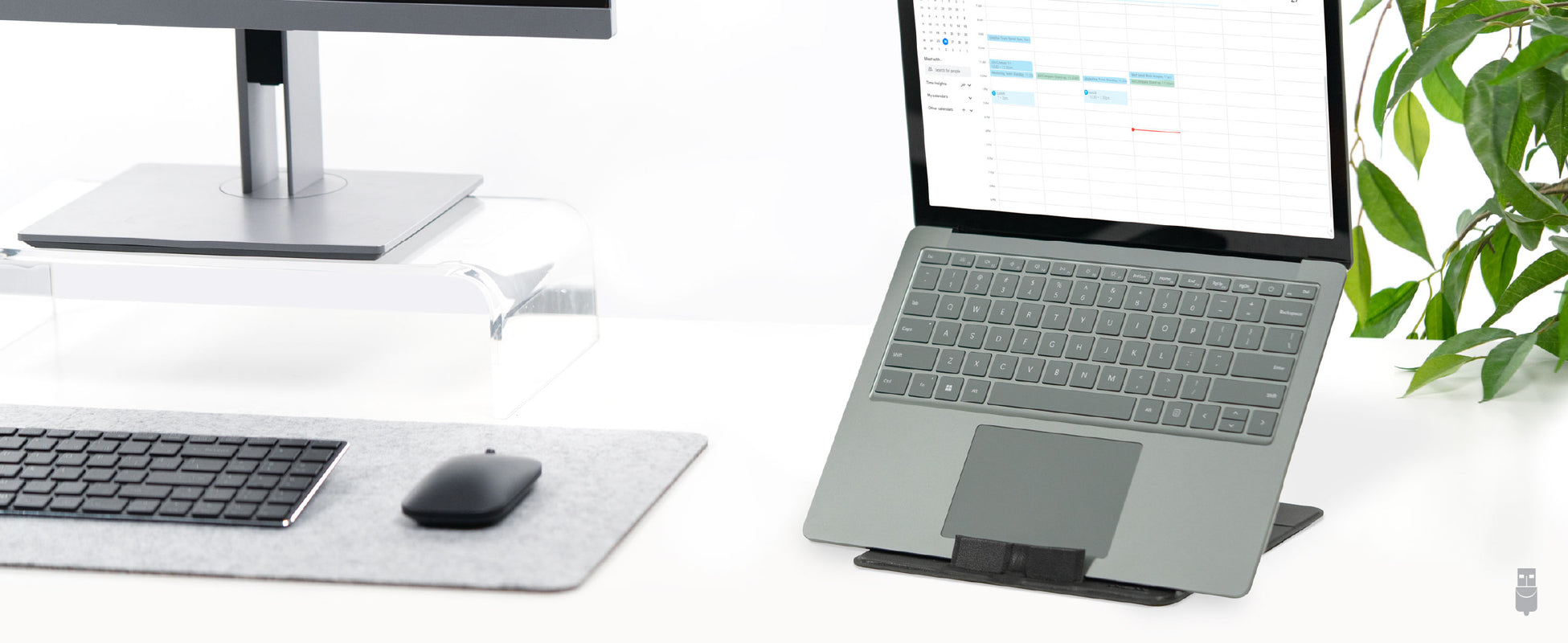
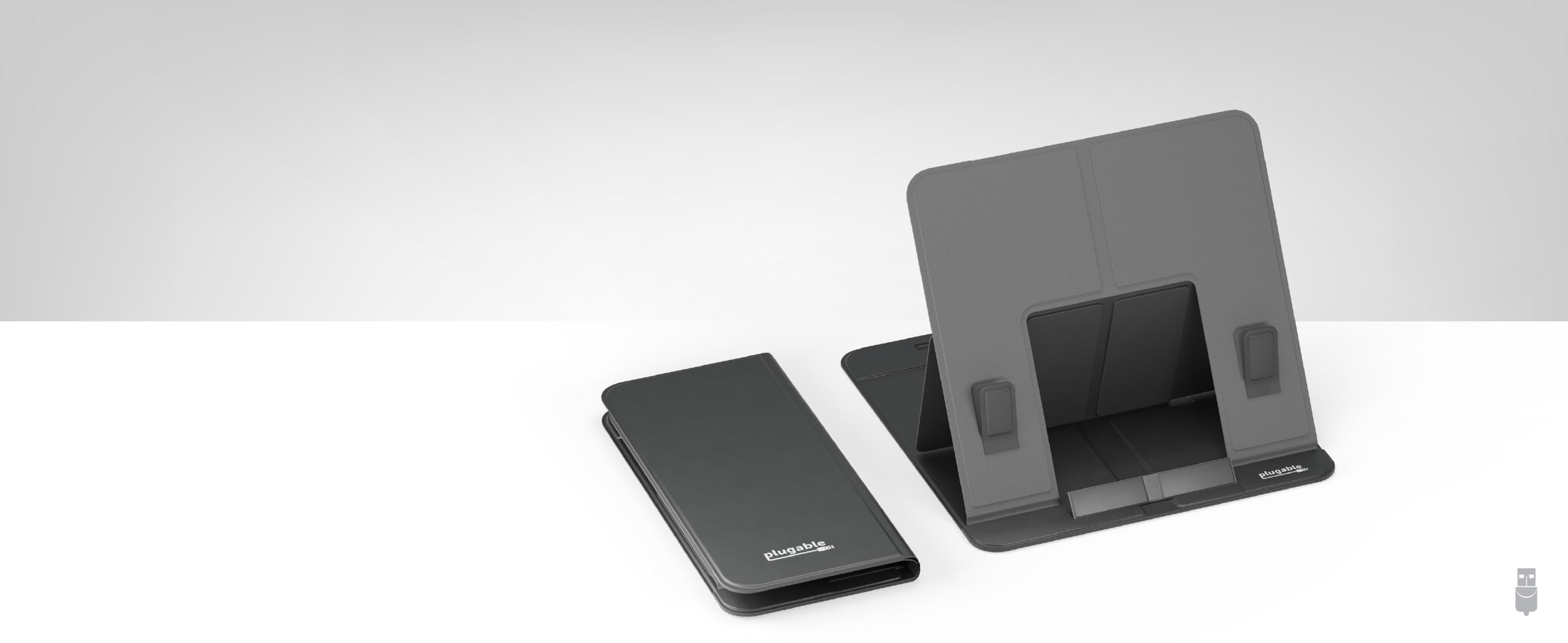
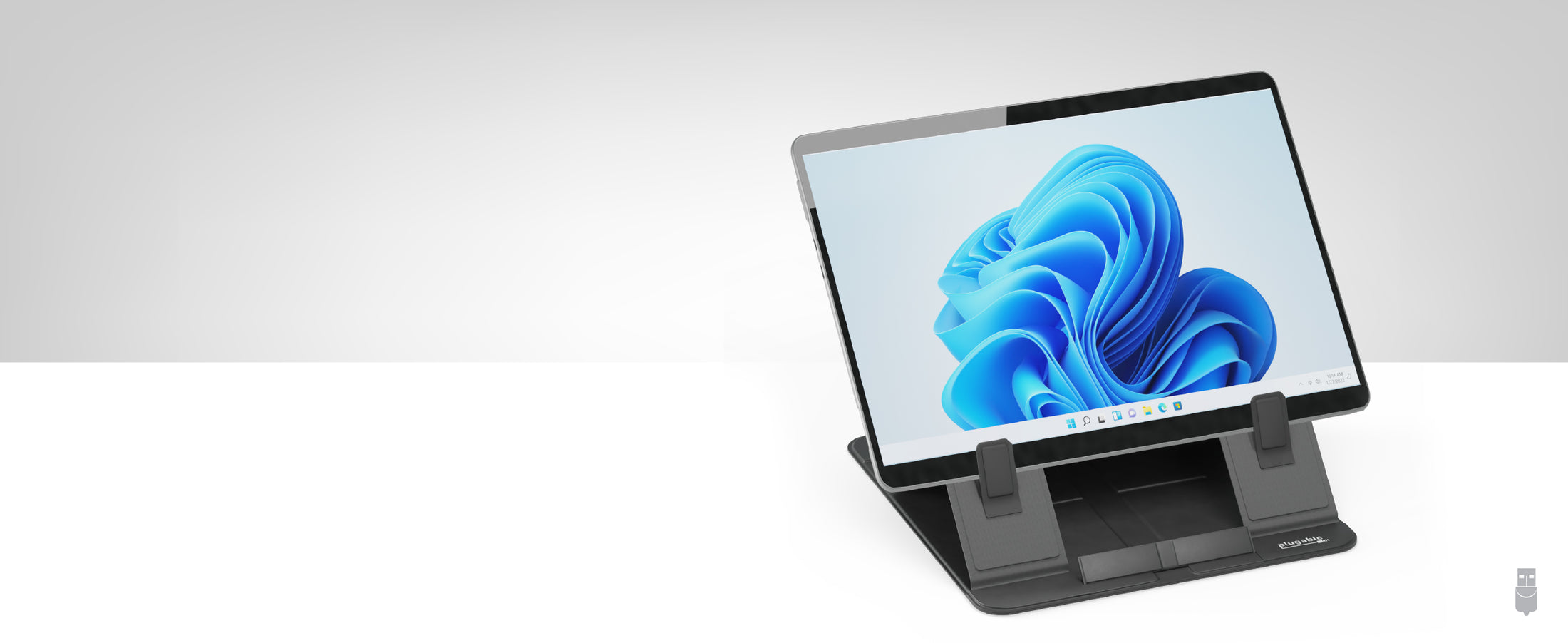
Meet the Plugable Portable Folding Laptop and Tablet Stand (PT-STANDX), your go-to stand for a modern, mobile lifestyle. Designed to support devices up to 16” and 11lbs (5kg) – including the 16" MacBook Pro – it's the perfect fit for a variety of laptops and tablets. Lightweight, ultra-thin, and foldable, this stand is a traveler's dream, easily fitting into your bag, and just right for airplane tray tables. Also makes a great iPad stand for drawing.
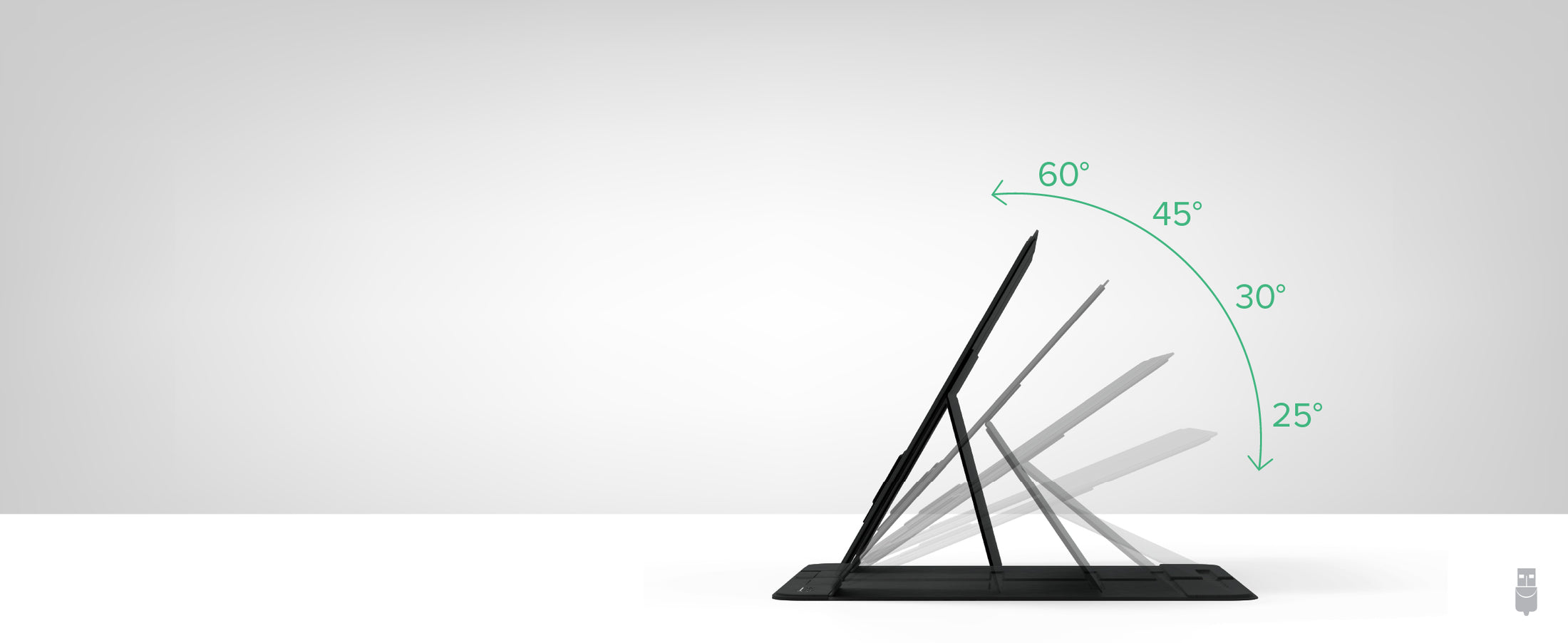
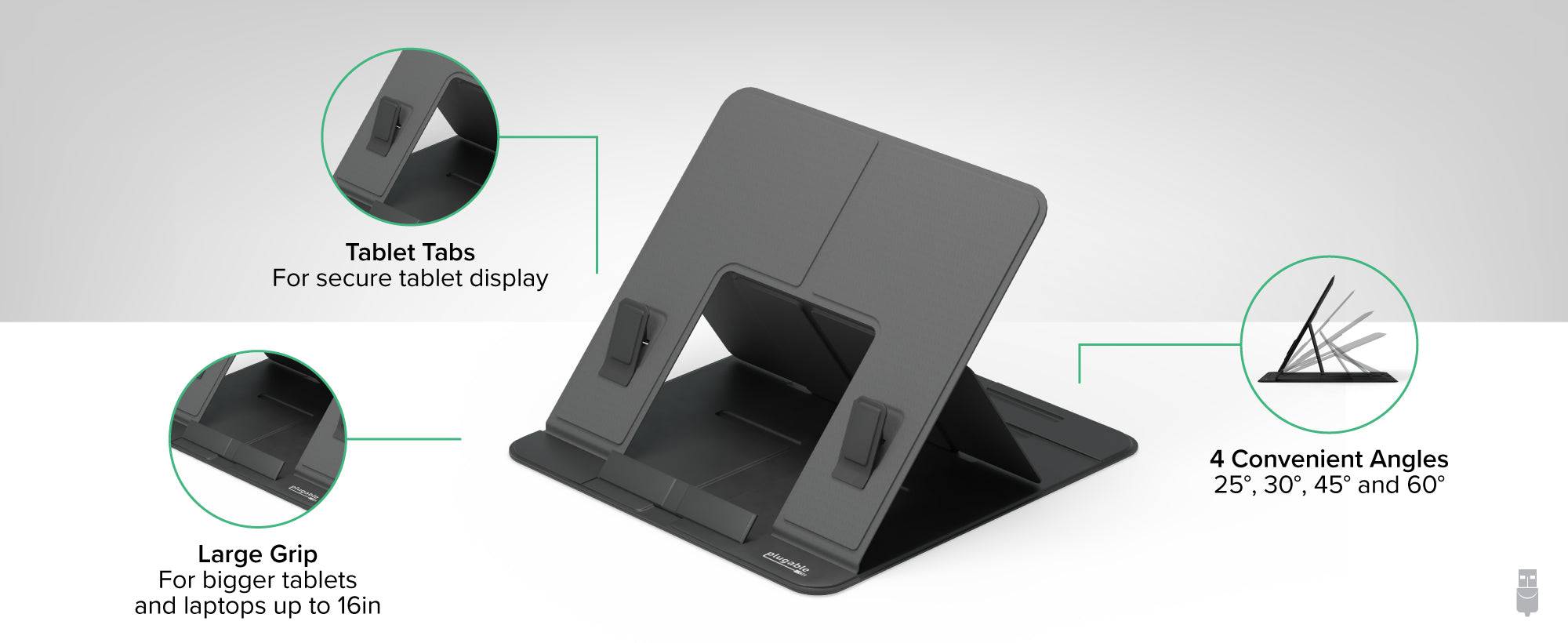
The TAA-compliant PT-STANDX is a fantastically flexible laptop and tablet stand adjustable to four angles (25°, 30°, 45°, and 60°) for ergonomic viewing, scrolling, working, and tapping.
For daily use or as your travel companion, the PT-STANDX combines strength, convenience, and versatility. It’s an indispensable accessory for travelers, students, remote and hybrid workers.
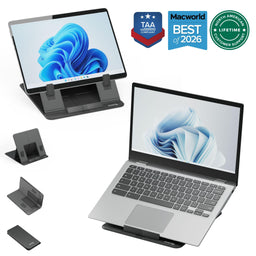 |
 |
 |
 |
 |
|
|---|---|---|---|---|---|
Foldable |
|||||
Magnetic |
X |
X |
X |
||
Adjustable Angle |
4 convenient angles (25°, 30°, 45° and 60°) |
180° adjustable top and bottom hinges |
180° adjustable arm Tablet panel is 360 degree adjustable |
180° adjustable arm Tablet panel is 360 degree adjustable |
160° adjustable arm |
Compatible With |
Laptops and tablets up to 16” and 11lbs |
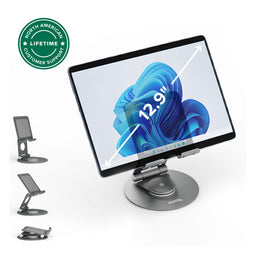
Tablets between 7” and 12.9” |
iPad Air & iPad Pro 11 |
iPad Pro 12.9” and other tablets |
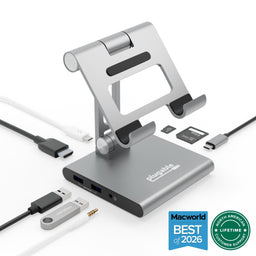
USB-C tablets |
Get Started
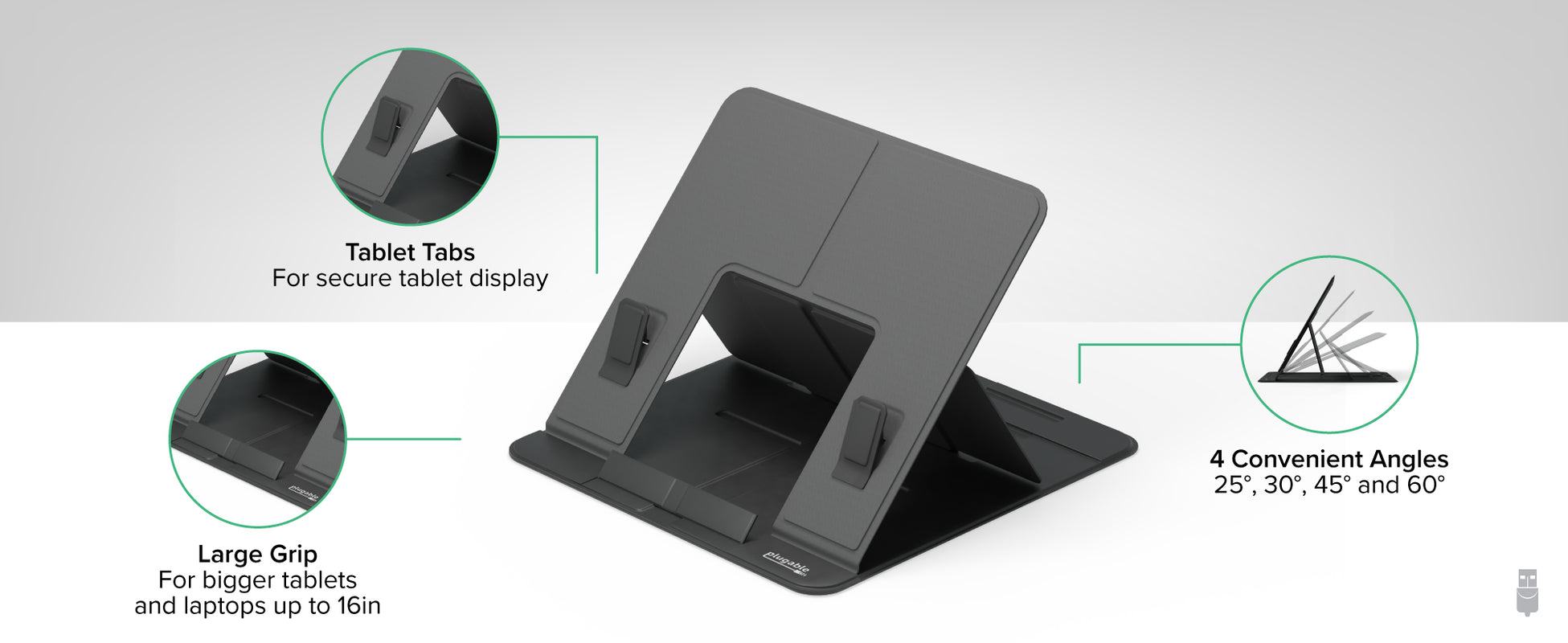
To use the stand, simple unfold the stand and align the support with any of the 4 grooves to choose your viewing angle.
Once you have your viewing angle chosen, use the Tablet Tabs or Laptop Tab to mount your device.


