





Hassle free, 2-Year Warranty
Fast, Free Shipping on Orders $35+
Lifetime Technical Support
30-Day Money Back Guarantee
Plugable Magnetic iPad Stand for iPad Air & iPad Pro 11”
$49.95 USD
SKU: AMS-STAND11Amazon Rating : (128 Reviews)
Features
- iPad Magnetic Stand— Get an elevated tablet experience with the Plugable Magnetic iPad Stand (AMS-STAND11) designed for iPad Air & iPad 11 inch Pro. Features powerful N52 magnets, adjustable hinges, robust aluminum build, and anti-slip silicone padding. Perfect for versatile viewing
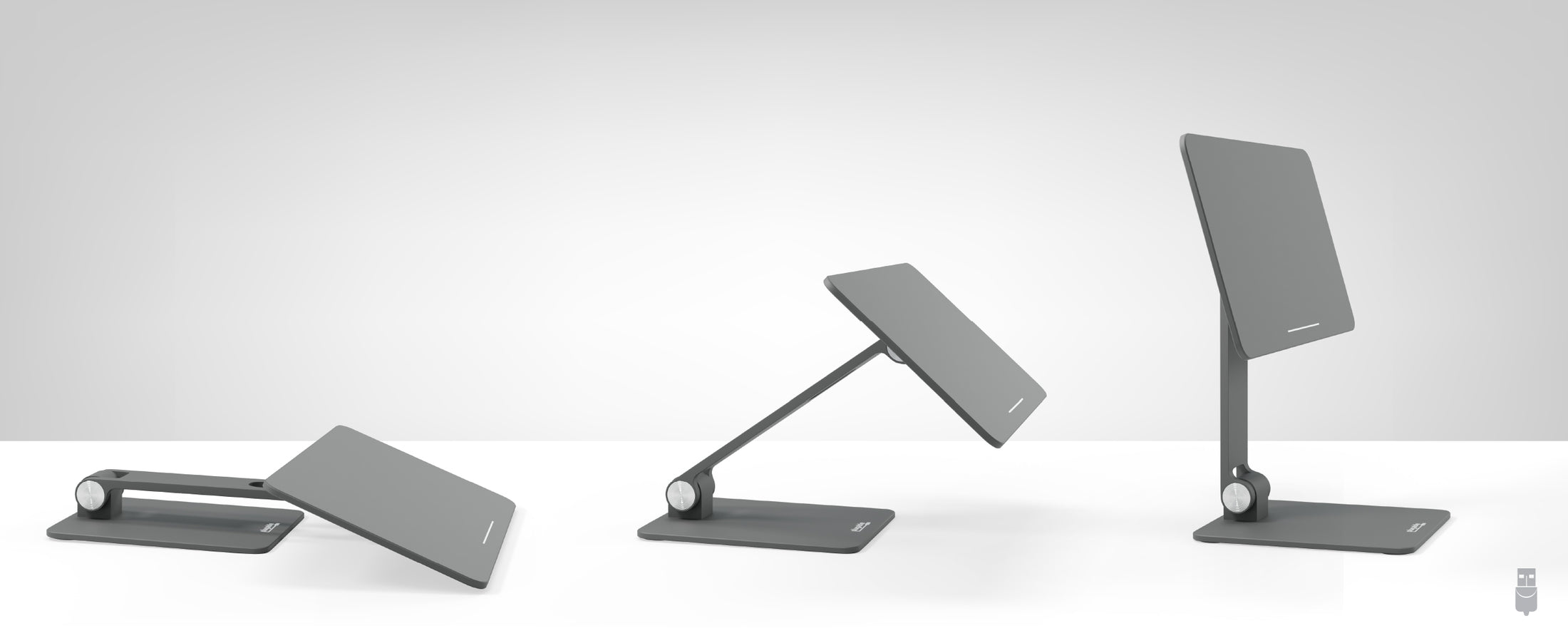
- Fantastic Flexibility— Flexibility is on display with our tablet stand, featuring a 360° rotatable panel and 180° adjustable hinges. Designed to be an iPad Pro stand for iPad Air and Pro 11", it offers the perfect angle for work, entertainment, or as an iPad drawing stand
- Particularly Portable— The iPad Pro holder folds flat for easy transport. Perfect for traveling professionals and students. Lightweight aluminum-alloy construction and space-saving foldability is built for on-the-go use with your iPad. Find productivity anywhere
- Works With— Designed exclusively for use as an iPad air stand & for use with the 11 inch iPad Pro (1st/2nd/3rd/4th Gen, M2), iPad Air 10.9 and 11 (4th/5th Gen, M2). Not recommended for iPad Pro 11 (M4) due to change in magnet pattern. Not compatible with cases.
- 2-Year Coverage, Lifetime Support— Every Plugable product, including this magnetic stand, is covered against defects for 2 years and comes with lifetime support. If you ever have questions, contact our North American-based team - even before purchase
For volume orders or business inquiries contact sales@plugable.com





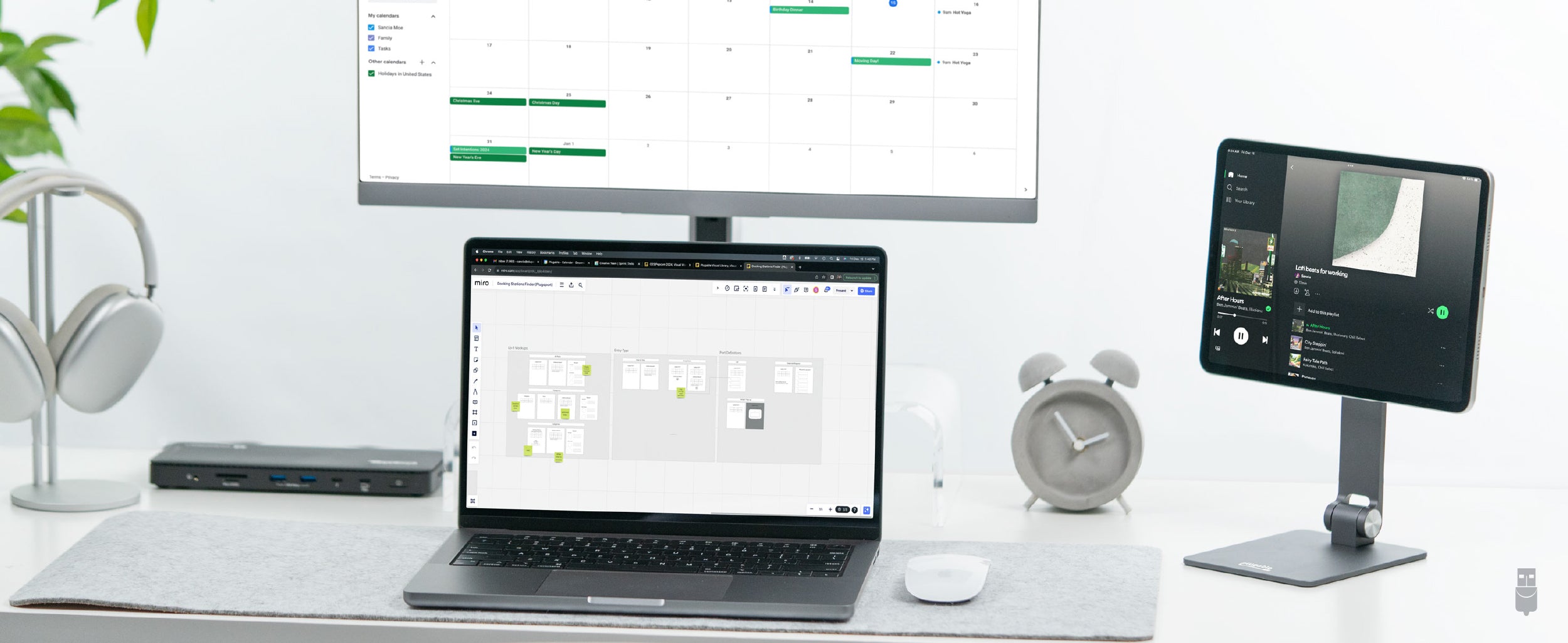
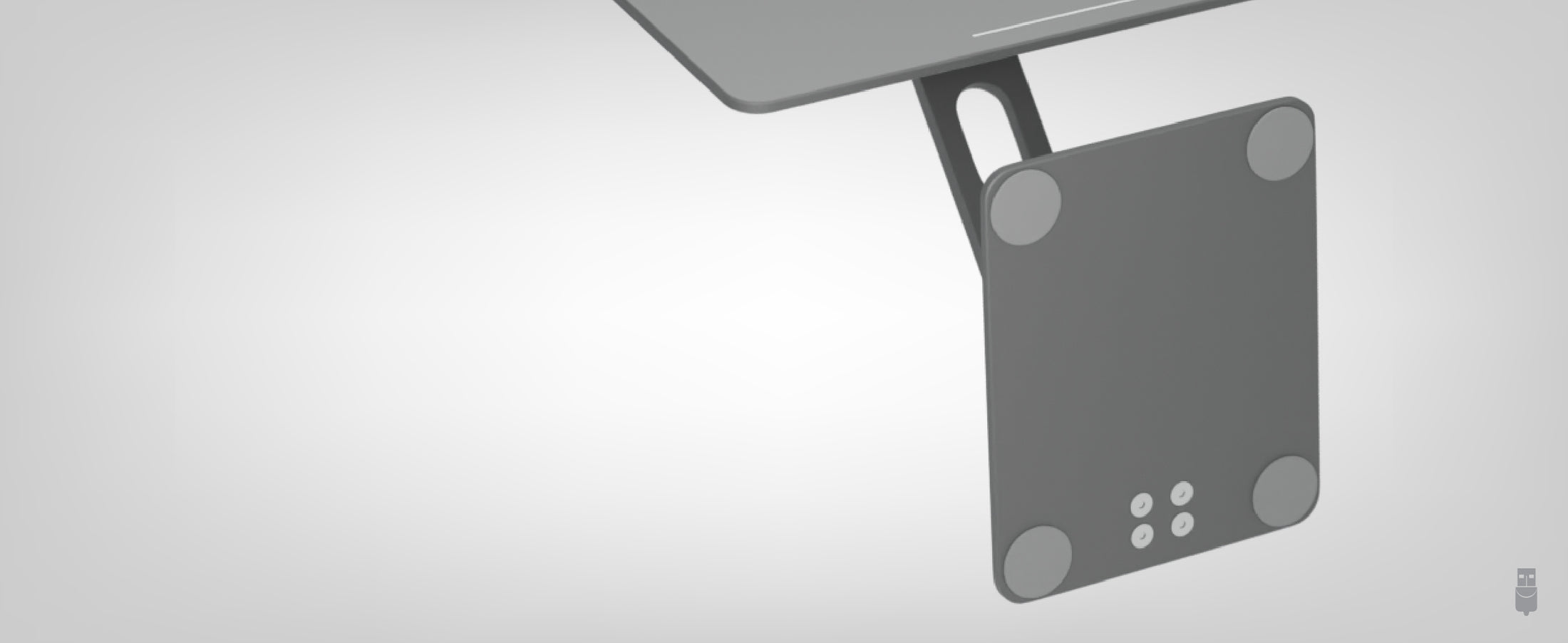
Introducing the Magnetic iPad Stand for iPad Air & iPad Pro 11 (AMS-STAND11), an excellent choice for design and functionality. Specifically crafted for your iPad Air and iPad Pro 11", constructed with high-quality aluminum alloy, the iPad stand magnetic panel is equipped with strong N52 magnets. This stand promises stability and security for your device. Anti-slip silicone padding on the panel and the base ensures your iPad stays protected and in place.
The iPad Air and iPad Pro magnetic stand excels in its adjustability. Featuring a 360° rotatable iPad magnetic mount panel, and 180° adjustable top and bottom hinges, it provides endless possibilities for viewing angles. Perfect for video calls, working, or creating digital art, the stand adjusts to meet your needs. Plus, it's compact and folds flat so you can take it with you.
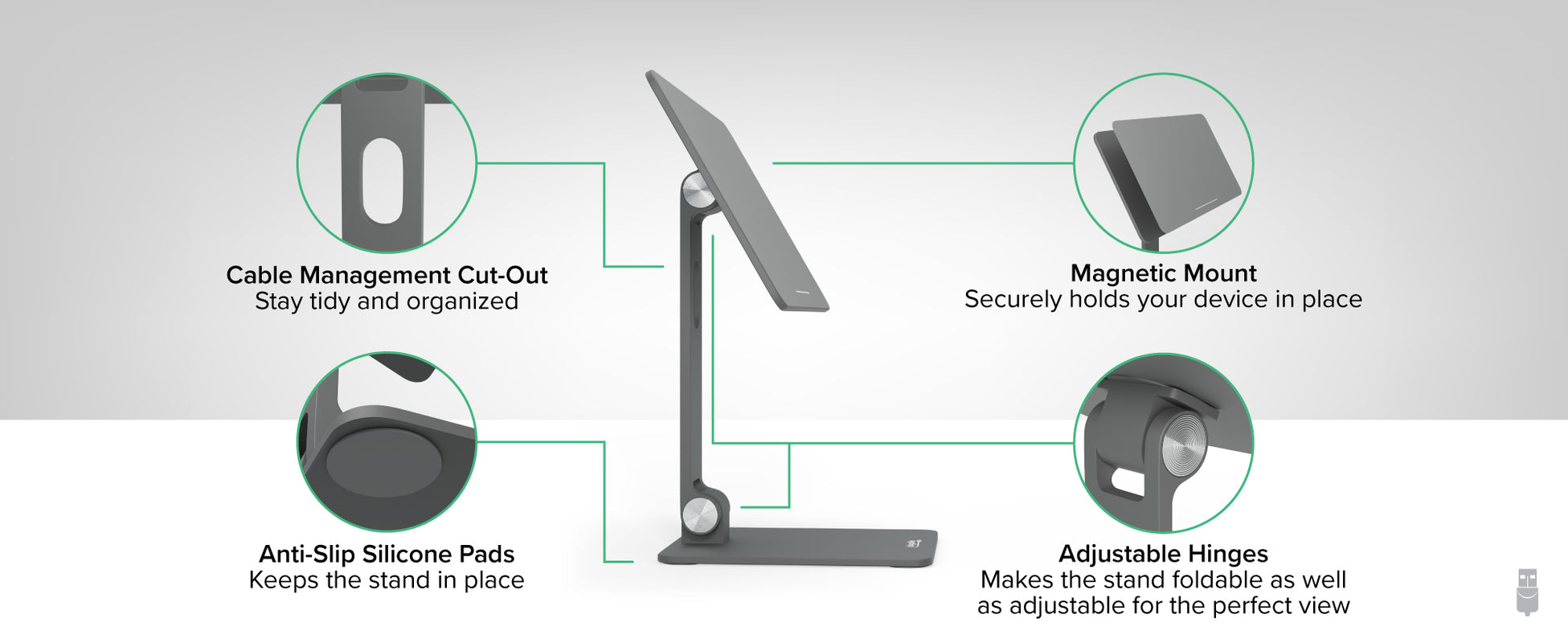
Get an elevated iPad experience with the Plugable Magnetic iPad Stand (AMS-STAND11) designed for iPad Air & iPad Pro 11". This versatile stand features a 360° rotatable magnetic panel, 180° adjustable hinges, and robust aluminum alloy construction with anti-slip silicone padding. Compact and sleek, it ensures the perfect viewing angle for work or leisure, providing stability and flexibility for your iPad Air and iPad Pro 11" in any setting.
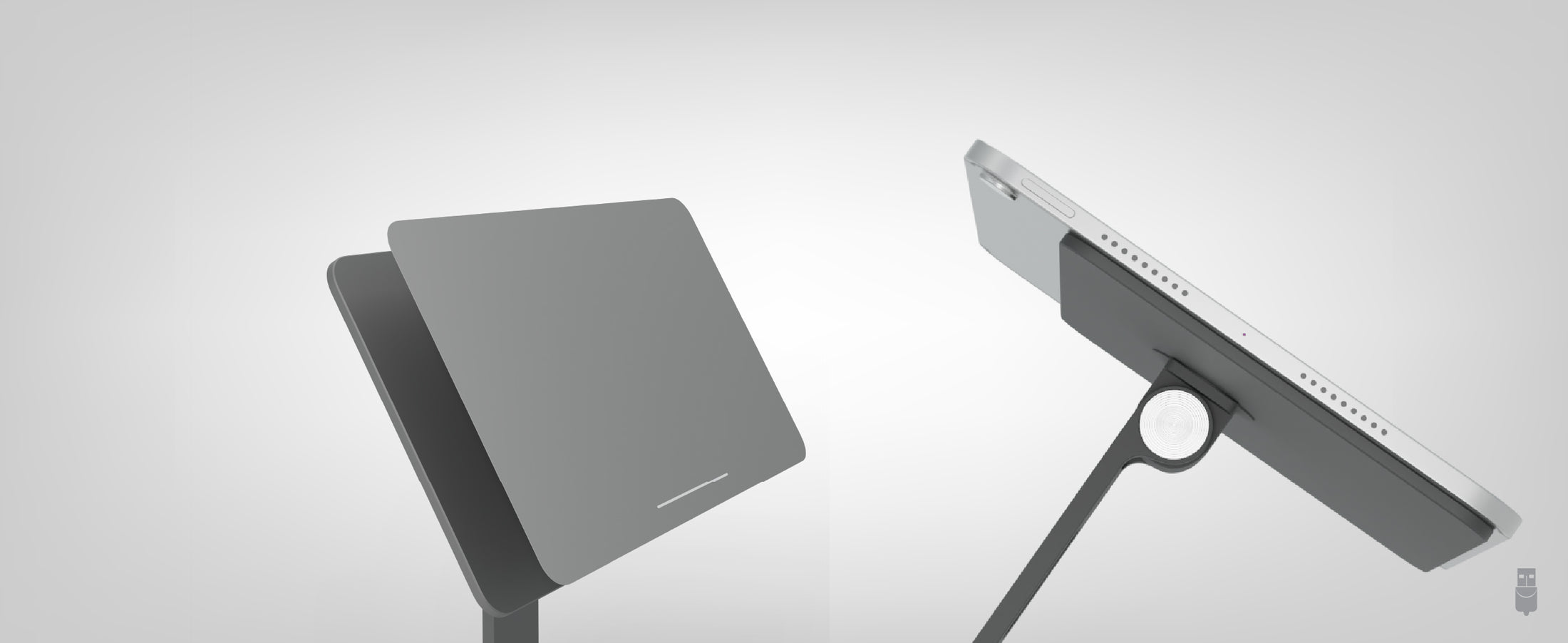

A: We do not recommend using a case with your iPad as this can decrease contact with the magnets and increase the risk of the iPad sliding off the stand.
A: Yes, with the 360° rotatable panel you can orientate your iPad to find the perfect angle for your viewing requirements.
A: Because of the magnet arrangement, the AMS-STAND11 is only recommended for Apple iPad Pro 11” (1st/2nd/3rd/4th Gen, M2), iPad Air 10.9” and 11 (4th/5th Gen, M2). Not recommended for iPad Pro 11 (M4) due to change in magnet pattern.
A: The stand uses neodymium magnets. There are eight different standard grades of neodymium magnets ranging from N35 to N52. The AMS-STAND11 uses N52 magnets that are among the strongest in its class.
A: The panel is 5 ½” (H) x 9 ½” (W). The stand comes with 180-degree hinges. At its lowest point the bottom of the panel sits about ½” off the surface. At the highest point the bottom of the panel will sit at around 4 ½” off the surface.
 |
 |
 |
 |
 |
|
|---|---|---|---|---|---|
Foldable (Y/N) |
|||||
Magnetic |
N |
||||
Adjustable Angle |
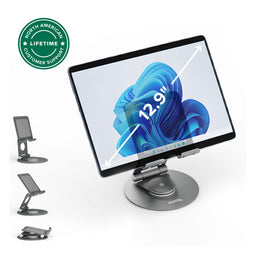
180° adjustable armTablet panel is 360 degree adjustable |
180° adjustable top and bottom hinges |
180° adjustable armTablet panel is 360 degree adjustable |
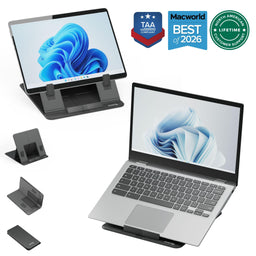
4 convenient angles (25°, 30°, 45° and 60°) |
160° adjustable arm |
Compatible With |
iPad Air & iPad Pro 11 |
Tablets between 7” and 12.9” |
iPad Pro 12.9” and other tablets |
Laptops and tablets up to 16” and 11lbs |
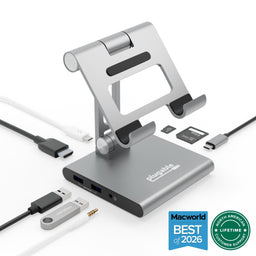
USB-C tablets |


