Hassle free, 2-Year Warranty
Fast, Free Shipping on Orders $35+
Lifetime Technical Support
30-Day Money Back Guarantee
Plugable iPad Pro 12.9 インチ用マグネット式タブレットスタンド
$34.95 USD
SKU: AMS-STAND13Amazon Rating : (113 Reviews)
機能
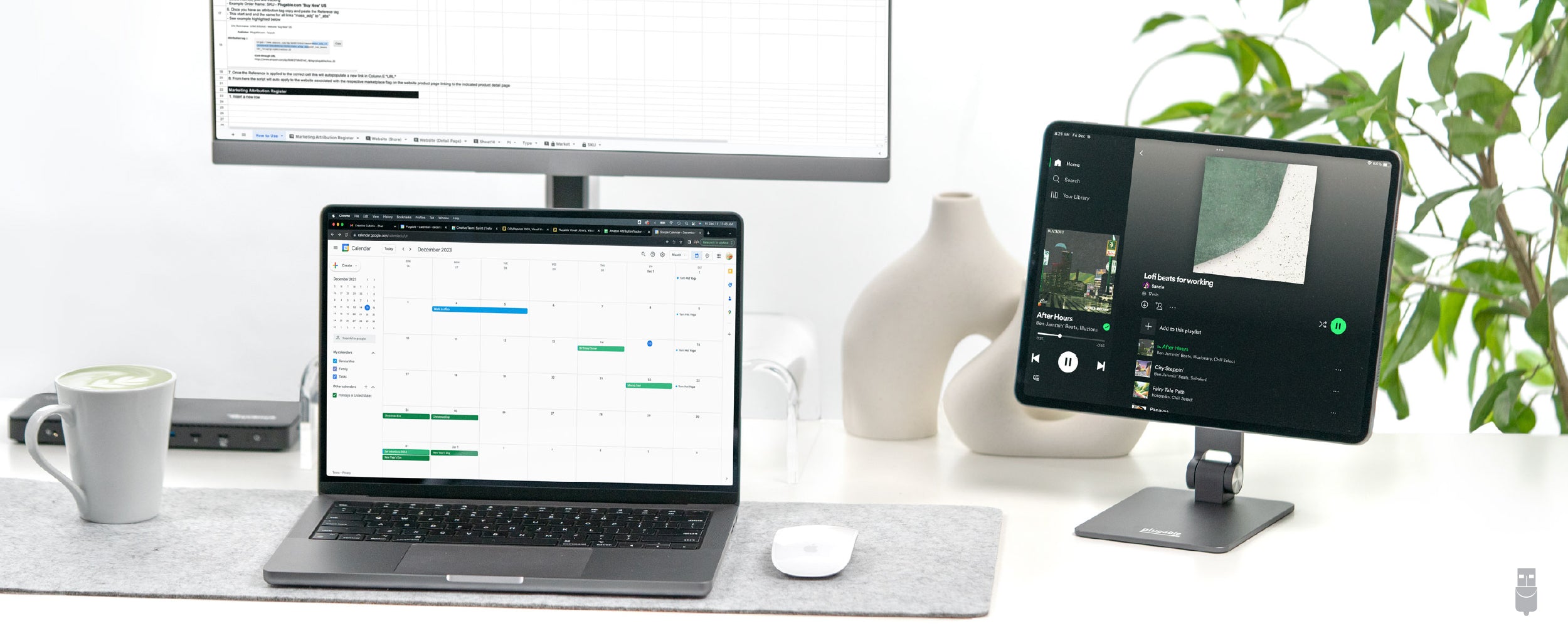
- iPad Pro Magnetic Stand— Strong magnetic mount designed for 12.9” iPad Pro models (2017–2022) with built-in magnets. The 2024 iPad Pro (7th Gen) is not compatible with magnetic mounting, but can be used with the included screw-in brackets.
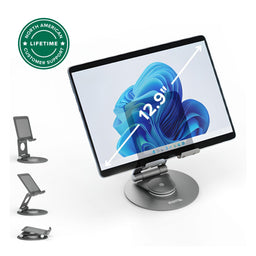
- Ultimate Flexibility— 360° rotatable iPad magnetic mount and 180° adjustable arm for ideal viewing angles in both landscape and portrait modes.
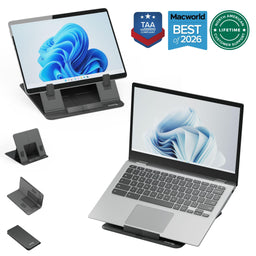
- Designed for Portability— Folds flat for easy transport. A professional-grade iPad Pro stand that fits into any bag or workspace
- Works With— Magnetic mounting only supports iPad Pro 12.9” models (2017-2022). The 2024 iPad Pro must use the included brackets due to changes in Apple’s magnet configuration. Not compatible with iPad cases or devices where magnets do not make direct contact with the stand.
- Lifetime Support— This 12.9” iPad Stand has been designed with reliability at its core and was built to meet the deployment demands of IT departments and the ease of use necessary for home offices. Includes lifetime support from our North American team of connectivity experts
For volume orders or business inquiries contact sales@plugable.com
All Buying Options
Elevate Your iPad Workflow with a Secure, Flexible, and Portable Stand
Connect with confidence using the Plugable Magnetic iPad Stand - a premium, purpose-built stand designed specifically for 12.9” iPad Pro models released between 2017 and 2022. These iPad models feature integrated rear magnets, allowing for secure and seamless magnetic mounting. Whether you're a creative professional, educator, or hybrid worker, this stand elevates your tablet experience with professional-grade construction and exceptional flexibility.
The most useful feature of the iPad Pro 12.9 magnetic stand is its extraordinary flexibility. The 360° rotatable magnetic panel and 180° adjustable arm allow you to find the perfect viewing angle for any task, whether you're sketching a masterpiece, delivering an interactive lesson, or managing your work on the move. Despite the sturdy build of this magnetic iPad mount, it's incredibly portable. The stand folds flat, slipping easily into your bag so you can take it to school, on the plane, or on the road.
The stand also supports the 2024 iPad Pro (7th Gen) using the included screw-in brackets, as this model does not feature magnetic mounting.
賑やかなカフェから静かな教室まで、このマグネット式 iPad ホルダーは安定性、多用途性、使いやすさを提供します。
Please note: Using a case is not recommended, as it can reduce magnet strength and increase the chance of slippage.
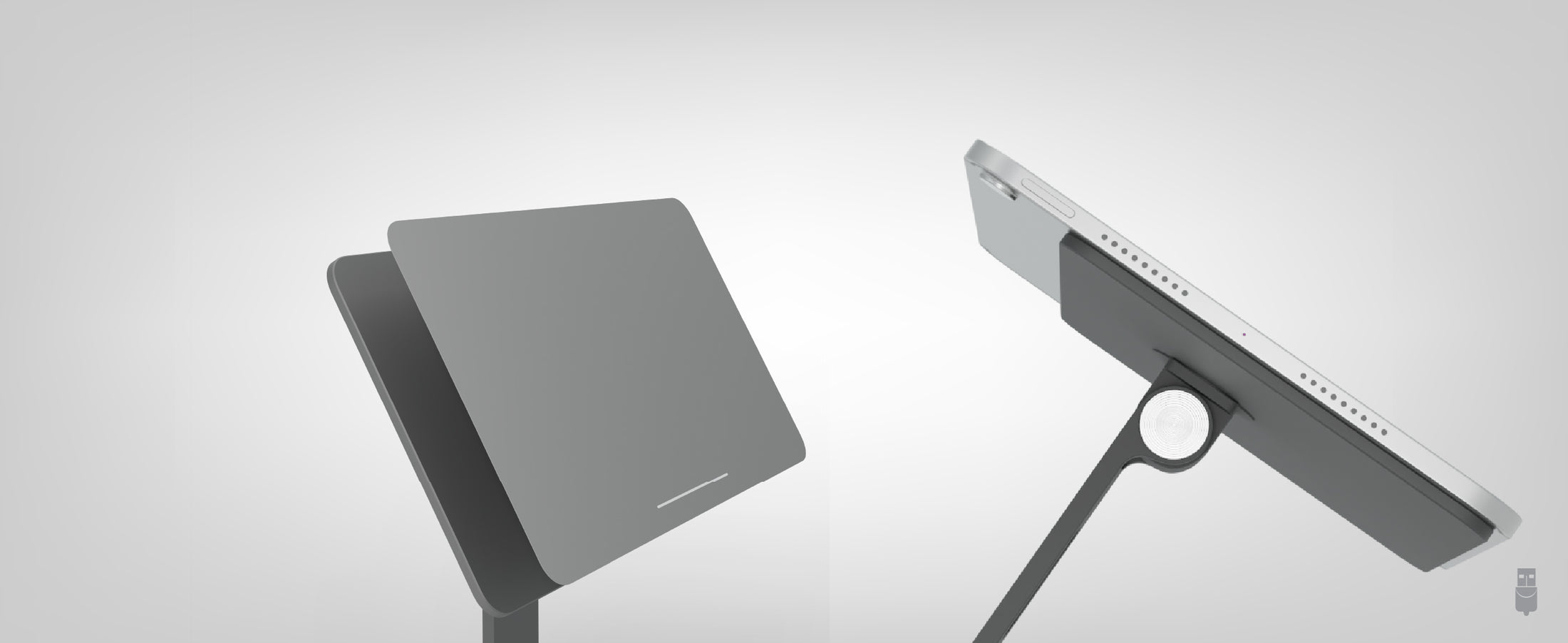
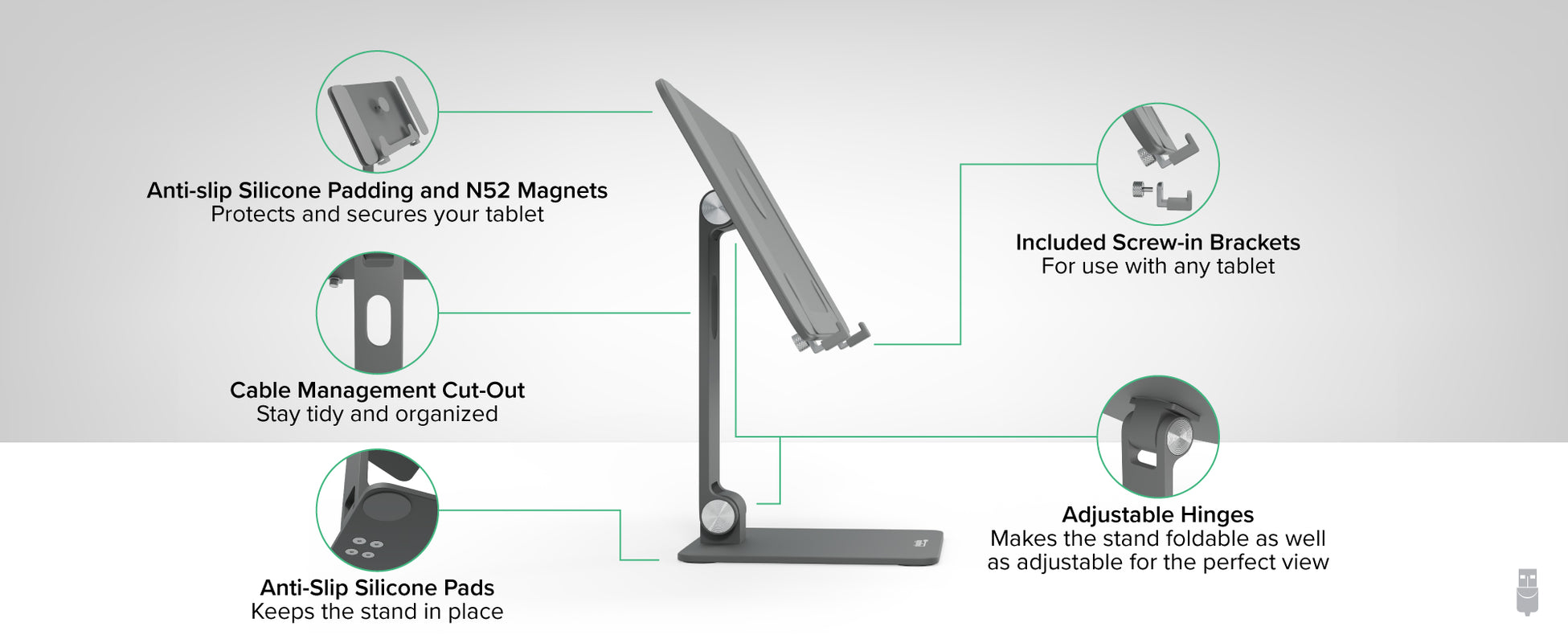
N52 Magnets for a
Safe and Secure Hold
N52 等級のマグネットを採用しており、タップやスワイプをしてもぐらつかないアルミニウム合金製です。
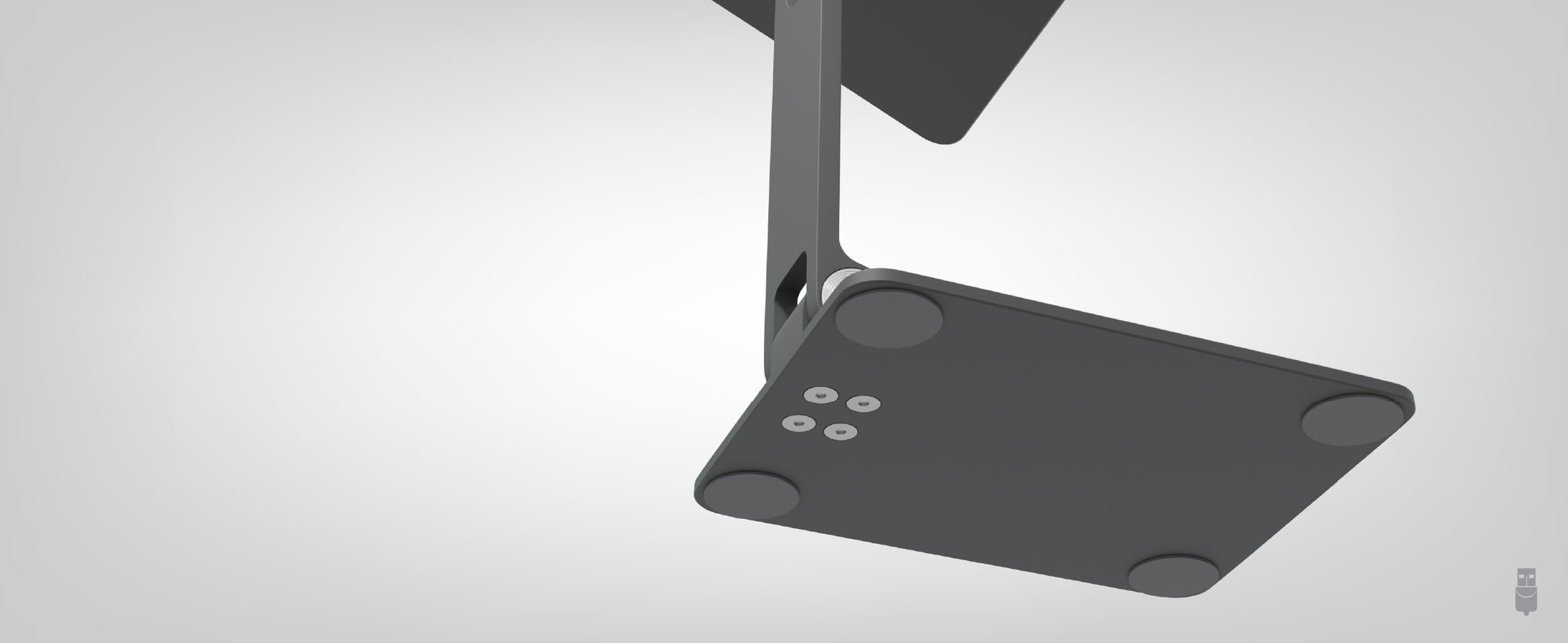
Silicon Pads
タブレットをしっかりとホールド
Premium silicone pads on tablet plate and foot keep this scratch free + right where they need to be
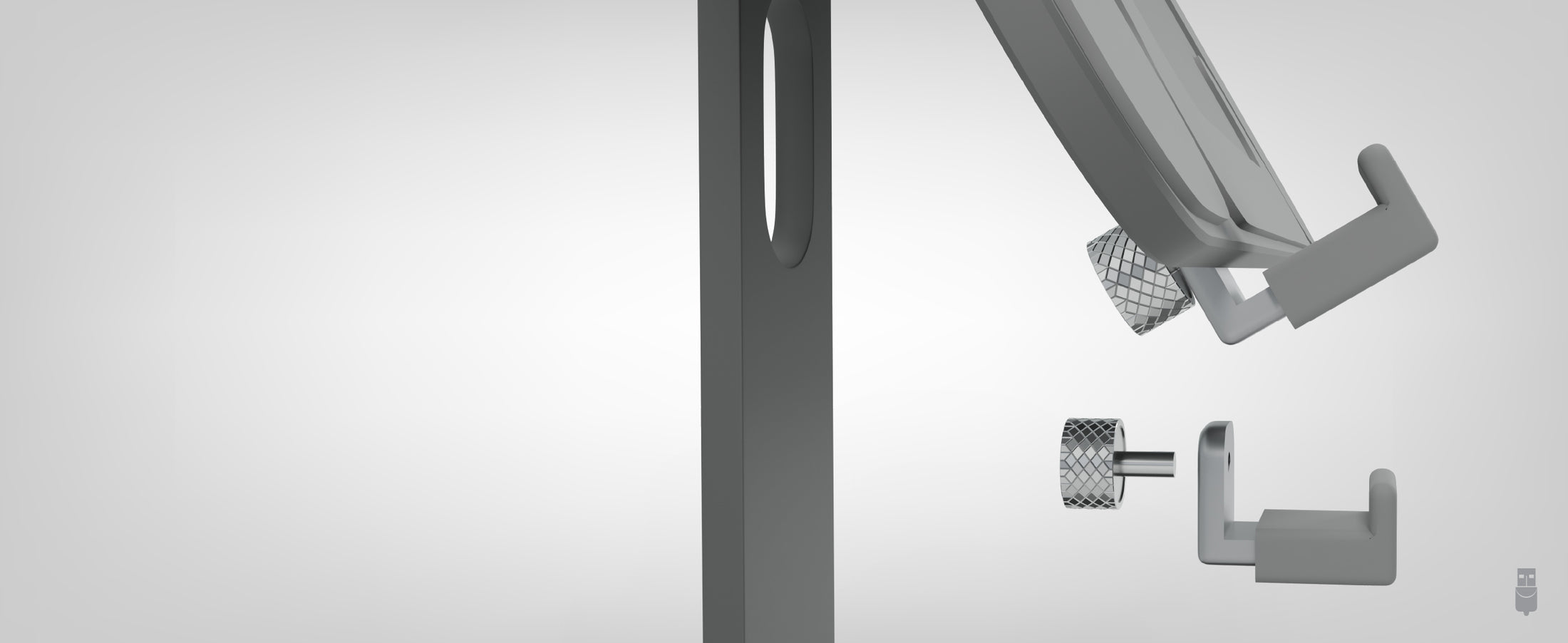
Included Brackets Provide
A Secure hold
iPad 12.9 インチだけでなく、同梱のブラケットを使えば他の同等サイズのタブレットにも使用できます。
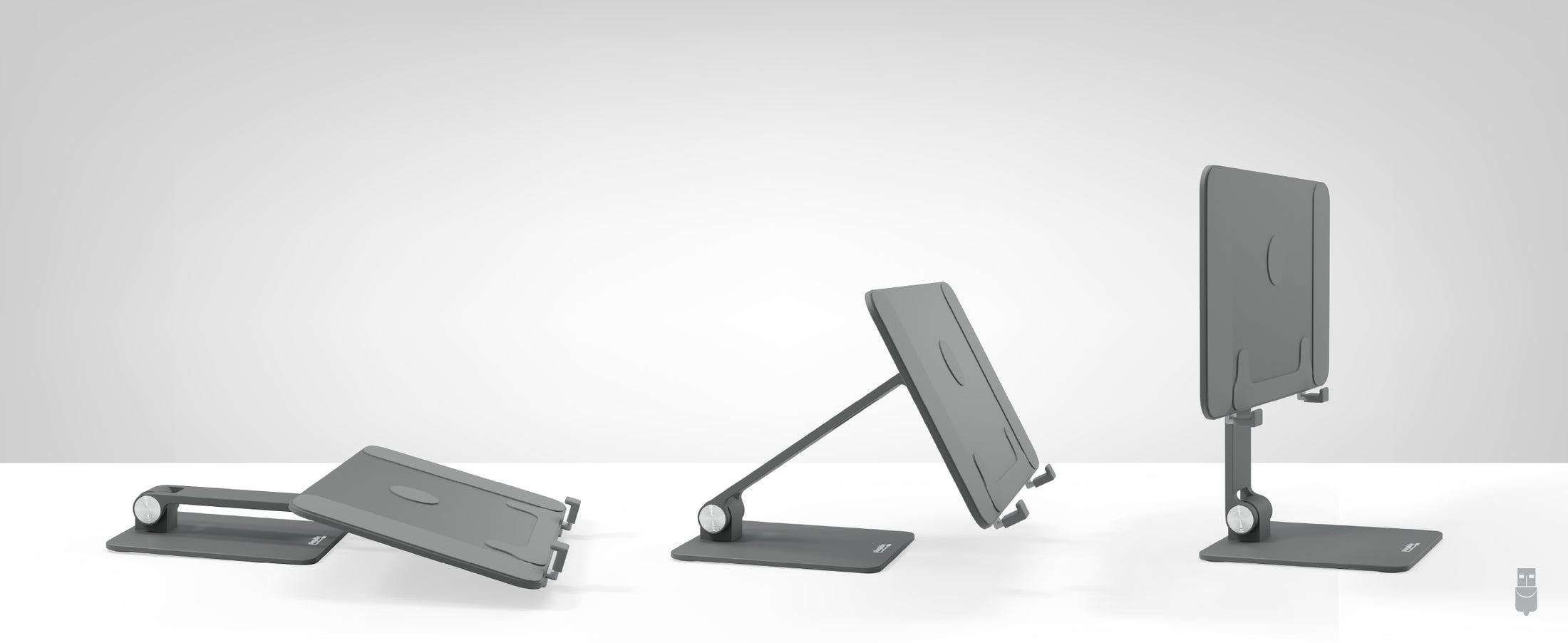
Spin it, Flip It
折り畳み可能
Designed to go with you, the stand folds flat for travel, and spins 360 for a perfect view
A: iPad にケースを使用することはお勧めしません。マグネットとの接触が悪くなり、iPad がスタンドから滑り落ちる危険性が高くなるからです。
A: はい、タブレットパネルの部分は 360 度回転可能で、好きな向きに変えることができます。
A:第7世代iPadは背面のマグネットの位置と合わないため、この AMS-STAND13 の磁石での使用は推奨できません。 同梱されているねじ式ブラケットを使用してください。ブラケットを利用すれば、他のタブレットにも対応できます。
A: このスタンドはネオジム・マグネットを使用しています。磁石には N32 から N52 までの 8 種類のグレードがあり、当スタンドはこの中で最も強力な M52 マグネットを採用しています。
A: タブレットパネル部分のサイズは約 21 x 26 cm で、180 度回転可能なヒンジがついています。パネルを垂直にした場合、アームからパネルの底までの高さは約 16 cm で、パネルやアームの角度を変えることで、これより低く変更できます。
物理仕様
| 項目 | サイズ(高さ×幅×奥行き)または長さ | 重量 | 製品番号 |
|---|---|---|---|
| 折りたたみ式スタンド | 41.6 x 25.9 x 14.8 cm |
764 g |
AMS-STAND13 |
| 対応デバイス | iPad Pro 12.9-inch (3rd/4th/5th/6th generation). The AMS-STAND13 comes with optional accessory brackets to support 7th generation iPad Pros, smaller iPads, and tablets from other manufacturers. |
| 対応していないデバイス | Phones and laptops. |
使い方
- スタンドを広げ、マグネットパネルを希望の位置に合わせます。
- iPad の裏面をスタンドのパネルにセットします。iPad がパネルに沿っていることを確認し、マグネットが最適な位置で密着するように調整します。
注意: iPad 以外のタブレットで使用する際は、付属のねじ式ブラケットを装着してください。
ご質問がある場合は、「アマゾン注文番号」を添えて nihongo@plugable.com まで日本語でご連絡ください。
Filter Help Articles and Frequent Questions by Category
Choose one or more filters within each category to narrow down the articles. Each selection will result in only displaying articles that include all of your choices.
Articles
Well how about that, it looks like we don't have any articles matching your filters! Try removing one of your choices or clear the filters to show all articles.
You can always contact support if you need help too!
Do I need to remove the plastic film on my AMS-STAND11 or AMS-STAND13?
Summary
Yes. The protective plastic film on the Plugable AMS-STAND11 and AMS-STAND13 magnetic iPad stands should be removed before attaching your iPad.
The film includes helpful instructions for adjusting the stand's rotation and viewing angle. On the AMS-STAND13, it also provides guidance for installing the included support brackets.
However, the film must be removed to ensure proper magnetic contact between the stand and your compatible iPad.
Applicable To
- Plugable AMS-STAND11 Magnetic iPad Stand
- Plugable AMS-STAND13 Magnetic iPad Stand
What Should I Do?
- Review the adjustment instructions printed on the protective film.
- Remove the plastic film from the stand's magnetic mounting surface.
- Attach your compatible iPad directly to the stand, ensuring proper alignment.
Important Note: Leaving the plastic film in place may interfere with magnetic attachment. Always remove it before mounting your iPad.
Need Assistance?
If you have questions about setting up your Plugable magnetic iPad stand, please contact Plugable Support at support@plugable.com.
Choosing the Right Magnetic iPad Stand (AMS-STAND11 and AMS-STAND13)
Summary
The AMS-STAND11 and AMS-STAND13 are magnetic iPad stands designed around specific iPad magnet layouts. Because Apple changed the internal magnet configuration on some newer iPads (notably the 2024 iPad Pro models with M4), not every iPad will mount magnetically as expected.
Before purchasing, confirm your exact iPad model and whether you plan to use a case. For the AMS-STAND13, newer iPads that don’t support magnetic mounting can often still be used with the included screw-in brackets.
AMS-STAND11 Compatibility (11-inch models)
Works with (magnetic mounting):
- iPad Pro 11-inch (1st / 2nd / 3rd / 4th Gen — through M2)
- iPad Air 10.9-inch and 11-inch (4th / 5th Gen — through M2)
Not recommended:
- iPad Pro 11-inch (M4, 2024) — due to Apple’s magnet pattern changes
Case note (important):
- Not compatible with cases. Cases reduce magnetic contact and increase the risk of the iPad sliding.
AMS-STAND13 Compatibility (12.9-inch / 13-inch class)
Magnetic mounting supported:
- iPad Pro 12.9-inch models (2017–2022)
2024 iPad Pro note:
- The 2024 iPad Pro (13-inch / M4) is not compatible with magnetic mounting, but it can be used with the included screw-in brackets.
Case note (important):
- Not compatible with iPad cases or any setup where magnets don’t make direct contact with the stand.
How to Check Your iPad Model Before You Buy
On the iPad:
- Open Settings
- Tap General
- Tap About
- Check Model Name and Model Number
If your Model Name shows iPad Pro (M4), magnetic mounting may not work on the AMS-STAND11, and the AMS-STAND13 should be used with brackets (not magnetic mounting).
Common Purchase Checklist
Before purchasing, confirm:
- Your iPad model and generation (especially if it’s an iPad Pro (M4, 2024))
- Whether you intend to use a case (not recommended for magnetic mounting)
- Whether you need magnetic mounting specifically (AMS-STAND13 can support more devices using brackets)
If You Purchased and It Does Not Work As Expected
If your iPad does not mount securely or align properly:
- Confirm you’re using a compatible iPad model
- Remove any case and retest
- For AMS-STAND13 + 2024 iPad Pro (M4), use the included screw-in brackets instead of magnetic mounting
Contact Support
If you need assistance, contact Plugable Support at support@plugable.com and include:
- Your stand model (AMS-STAND11 or AMS-STAND13)
- Your iPad Model Name and Model Number (from Settings > General > About)